Custom merch for an Instagram giveaway: one piece, no minimum
A giveaway prize idea for small Instagram creators: turn your own post into a one-off custom t-shirt, mug or sticker, with no minimum order, shipped straight to the winner.
On this page
A giveaway is one of the few things a small Instagram account can do to get people commenting, sharing and following in the same week. The hard part is the prize. A gift card or a gadget brings in people who want the gift card or the gadget, and most of them leave once the winner is announced.
A prize that only makes sense to people who already like your content works differently. This guide shows how to make one: a single piece of custom merch built from your own posts, with no minimum order and nothing to store, sent straight to the winner. It also covers the giveaway post itself and the rules Instagram expects you to follow.
Why custom merch beats a gift card as a prize
Advice on giveaways keeps coming back to one point: the prize should belong to your niche. A prize tied to what you post attracts people who are interested in what you post, while a generic one attracts anyone who enters giveaways. Merch made from your own content is about as niche as a prize can get.
- It filters for real followers. Only someone who gets your catchphrase, your art style or your running joke wants it on a shirt.
- It is limited by nature. One shirt, made once, for one winner. You can say "only one exists" and mean it.
- It keeps working after the giveaway. A winner who posts a photo wearing it is showing your account to their followers.
- It tests demand. If people ask where they can buy it, you have learned something a gift card would never tell you.
What you need
Less than you might think, because nothing is made until there is a winner:
- One idea from your own content. A phrase your followers repeat, your most-saved post, a character you draw, a photo people keep asking about.
- A design tool that also prints. The steps below use the SlapMake studio, where the design, the giveaway post and the order share one canvas.
- A card to pay for one product and its shipping. There is no minimum order: one t-shirt, mug or tote bag is a normal order. Prices are listed in dollars in the studio and on the pricing page.
Design the prize from your own content
Open the studio, tap the button at the top left of the canvas and choose Square. Starting square means the same artwork will fit both the prize and the post that announces it.
- 1Bring in what your followers already knowUpload the photo or graphic, or type the phrase with Text. To turn a photo into artwork, tap it, choose Edit with AI and describe the style you want ("bold cartoon sticker, thick outline").
- 2Cut it outTap the image and choose Cut out. It runs on your own device and costs nothing. A design with a see-through background sits on a shirt instead of looking like a square patch.
- 3Make it read from across a roomKeep text large and the design simple. What looks fine on a phone screen can vanish on fabric.
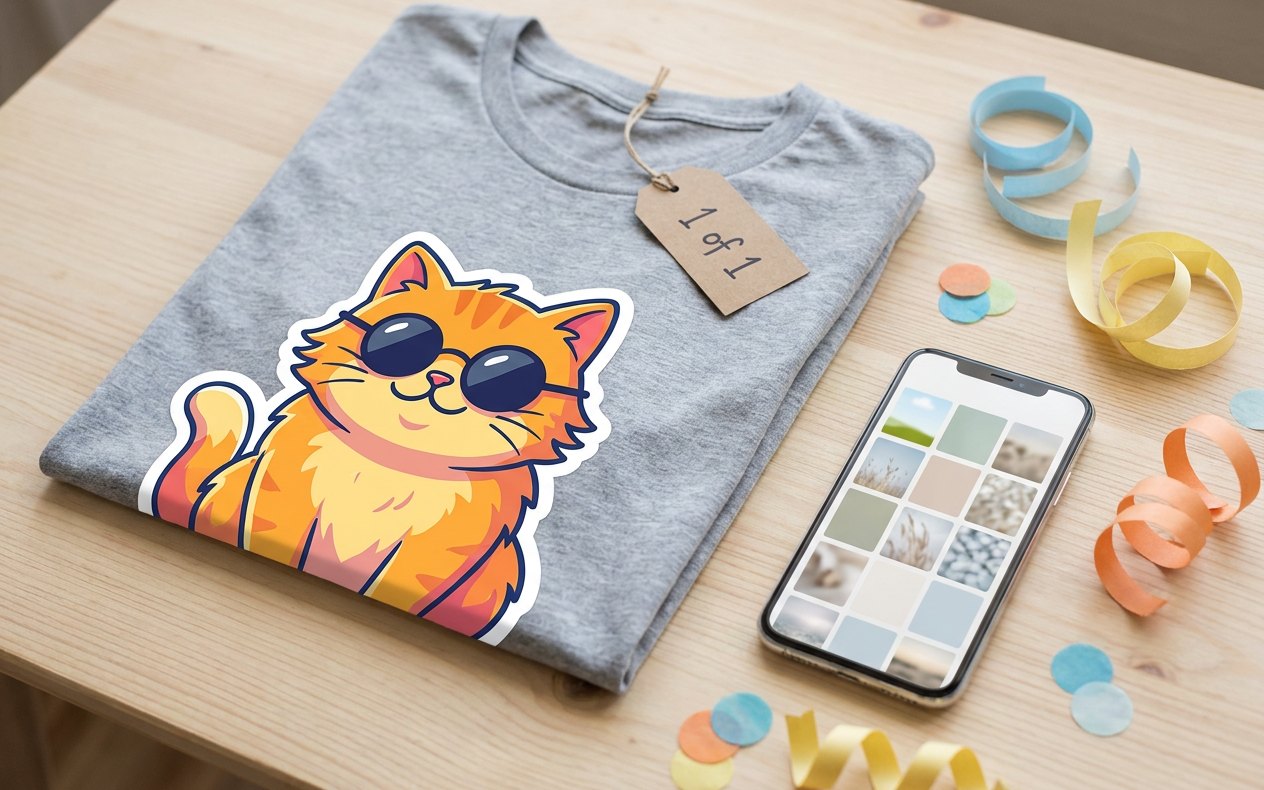
- 4Add something only the winner getsA line such as "1 of 1" or the date of the giveaway makes it a collector's item rather than merch.
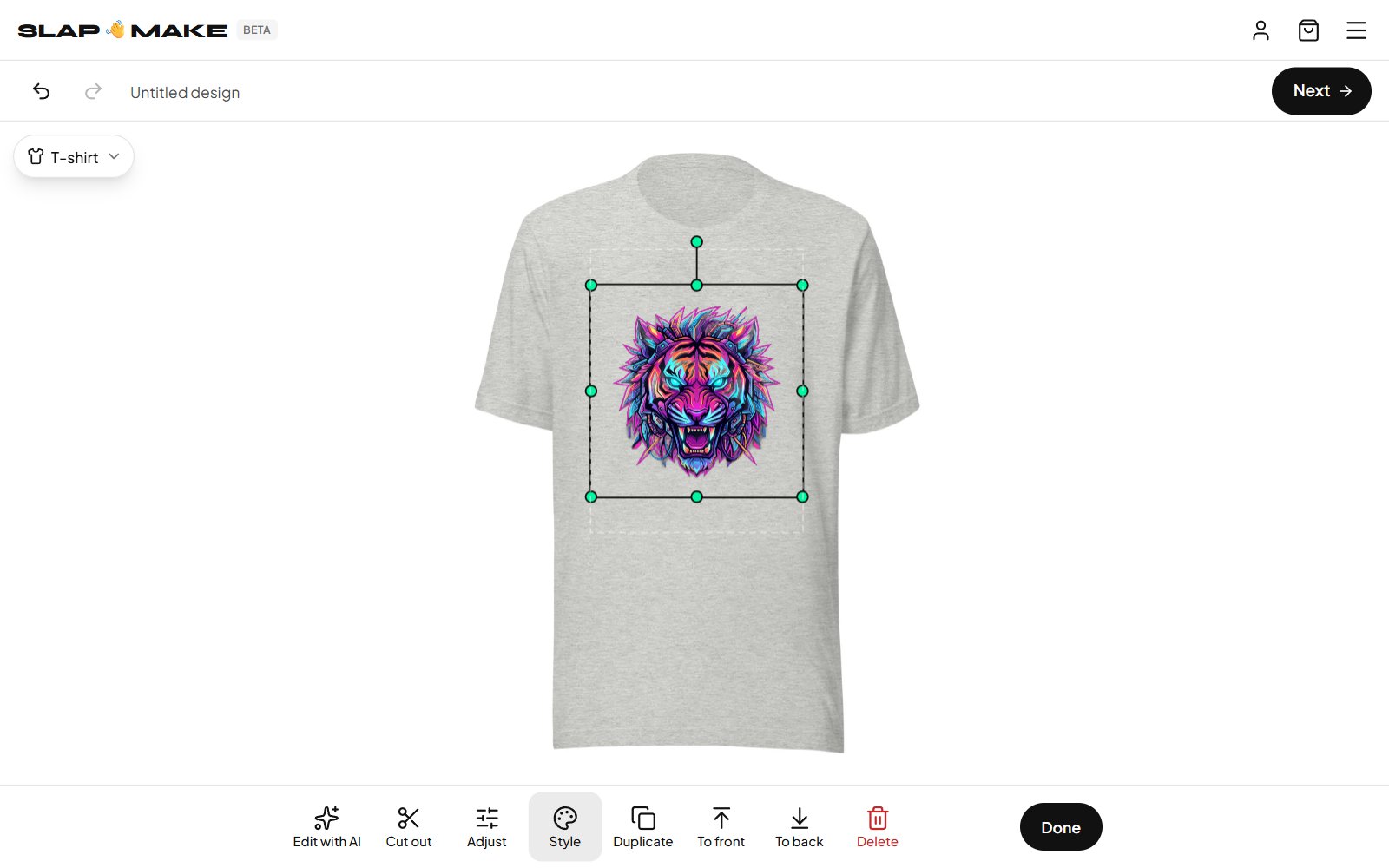
Make an Instagram-size design print sharp
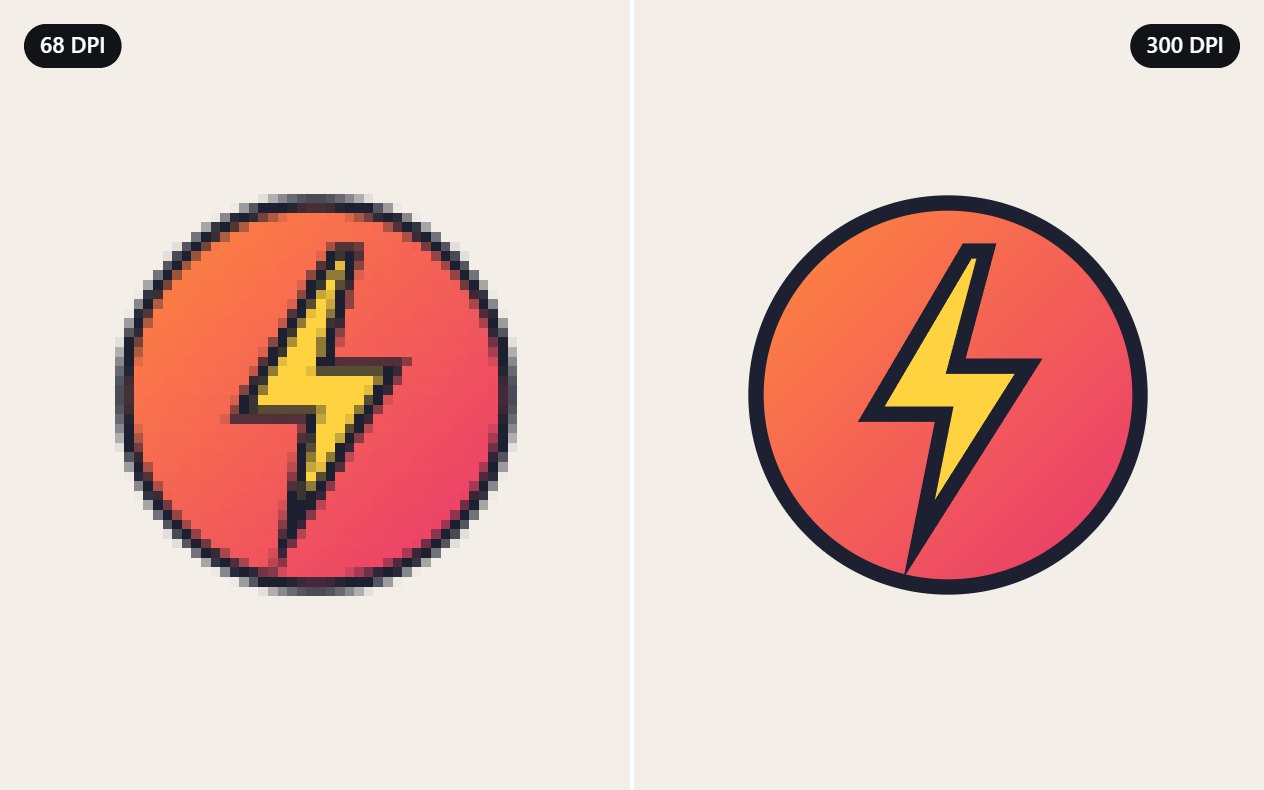
This is the step most people miss. An Instagram post is 1080 pixels across, which is plenty for a phone and small for a shirt: stretched over a chest print, each pixel is enlarged and the print comes out soft.
Press Next, pick the product, and the order screen tells you when this is happening: how far the design will be enlarged and whether that is likely to show. When it is, it offers to sharpen the design with AI first, with a choice of models and the price of each. The sharpened version is what gets printed, and it is kept for you, so ordering it again does not cost anything more.
To check a file before you order, put its pixel size into the free print size calculator: it shows how large it prints sharp on each product. If it falls short, the image upscaler makes it two or four times bigger.
Make the giveaway post from the same design
You already have a square canvas with the artwork on it, so the announcement is two more steps:
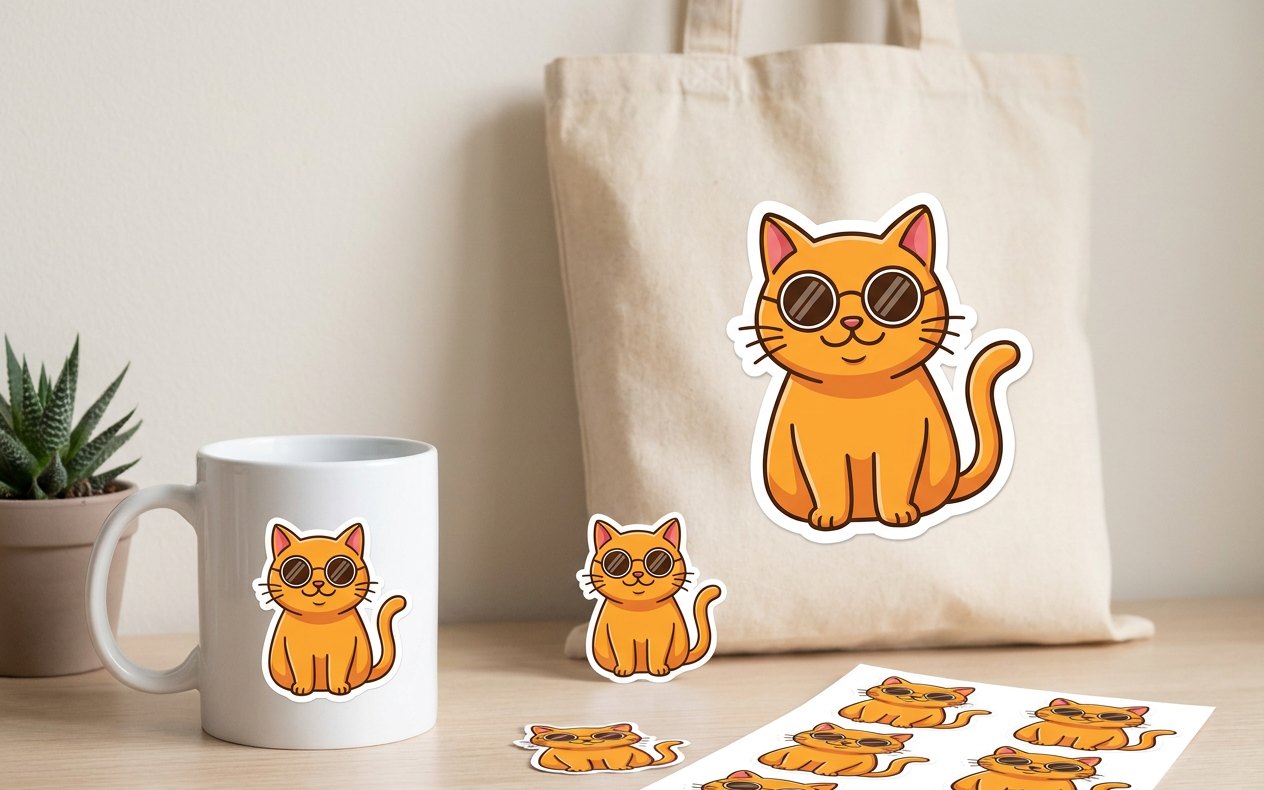
- Show the real thing. On the order screen, choose See a real photo of it to get a photo of the item with your design on it. Use that as the first slide: people enter for a prize they can see.
- Put the rules on a slide. Add a text layer with how to enter, the closing date and who can enter, then download the canvas. Downloads are free.
Keep the entry simple. "Follow and comment with the answer to a question" gives you comments worth reading and is easy to check when you pick the winner.
The rules Instagram expects you to follow
Instagram allows giveaways, and its Promotion Guidelines put the responsibility for running one properly on you. In practice that means your post or a linked page should state:
- The official rules: who can enter (age and country), when it opens and closes, how the winner is chosen and how they will be told.
- What the prize is. A photo of the product and a plain description cover it.
- That Instagram is not involved. The guidelines ask for a release of Instagram by each entrant and an acknowledgment that the promotion is not sponsored, endorsed or administered by, or associated with, Instagram. One sentence at the end of the caption does both.
- No inaccurate tagging. Do not ask people to tag themselves in a photo they are not in.
If entering involves posting about you (a story share, a tag in their own post), regulators treat that post as an endorsement made in exchange for a chance to win. In the United States the FTC's guidance on endorsements says entrants should make that clear, and that a tag such as #contest or #sweepstakes is enough while a shortened one such as #sweeps is not.
Send the prize straight to the winner
When the giveaway closes, ask the winner by direct message for their size, color and delivery address. Then open the design, press Next, choose those on the order screen, and at checkout enter the winner's address instead of your own. The item is printed for that order and shipped to them directly, so you never handle a parcel, and the order page shows a tracking number you can pass on.
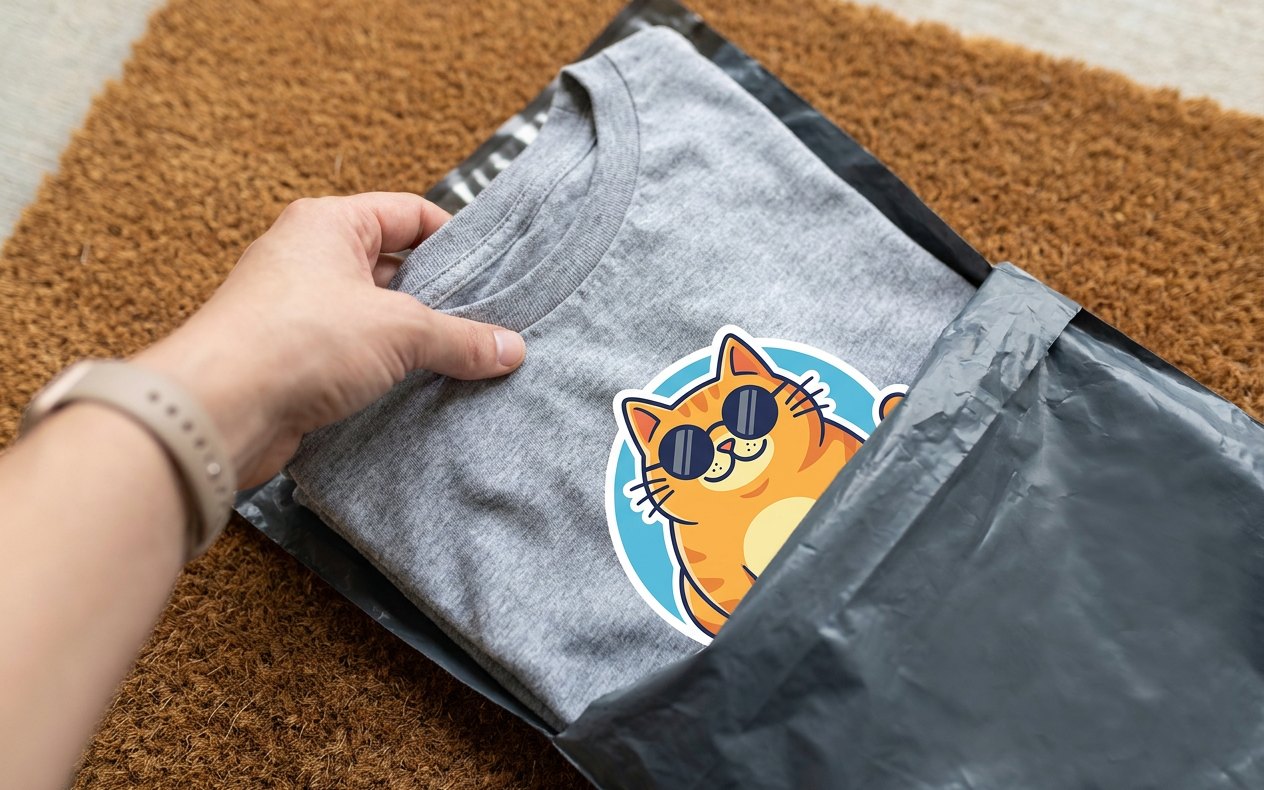
Two habits save trouble here. Announce in advance which countries you can ship to, and pick the winner's size after they win rather than guessing before.
Get more out of it after the winner is picked
- Ask for a photo. A picture of the winner with the prize is your best follow-up post, and proof to everyone else that the giveaway was real.
- Read the comments again. People who wrote "I'd buy this" told you what your first product could be.
- Keep the design. It stays in your library, so a second run, a different color or a version for yourself is a few taps.
The whole thing fits in an afternoon: one idea your followers already love, one canvas, one order. The quickest way to see whether your content works on a product is to try it: open the studio and drop in your most-saved post.
Questions people ask
Can I order just one custom t-shirt for a giveaway?
Yes. There is no minimum order: a single shirt, mug, tote bag or sticker sheet is printed for that one order. Nothing is made until you place it, so there is no stock to buy or store.
What is a good Instagram giveaway prize for a small creator?
Something only your own followers would want. A one-off piece of merch made from your most recognizable post, phrase or artwork attracts people who like your content, where a gift card attracts anyone who enters giveaways.
Can the prize be shipped directly to the winner?
Yes. Enter the winner’s delivery address at checkout instead of your own. The item is printed and shipped to them, and the order page shows the tracking number once the carrier has it.
Will an Instagram post look blurry printed on a shirt?
It can. A 1080-pixel post is small for a chest print. The order screen says how far the design will be enlarged and offers to sharpen it with AI before printing. Stickers, mugs and phone cases need little or no enlarging.
What does Instagram require for a giveaway?
Its Promotion Guidelines make you responsible for running it lawfully: publish the official rules and who can enter, and include a release of Instagram and a statement that the giveaway is not sponsored, endorsed or administered by, or associated with, Instagram. Do not ask people to tag themselves in photos they are not in.